Good heads start with honest photos.
You do not need a studio. One sharp photo of a face works. This page explains what our engine does with your photos, so you know which ones help it and which ones it throws away.
Sharp, single, unfiltered.
Helps
- The face is sharp and at least a few hundred pixels tall
- One person clearly fills the frame
- Natural colour, as the camera took it
- The whole face is in the frame, hair and shoulders too
- A relaxed face; a big smile is fine, we neutralise it
- A few more photos of the same person from other angles
Hurts
- Sunglasses, a hand, a mask or a microphone in front of the face
- Beauty filters, heavy colour grading, black and white or sepia
- Blur, from motion or focus
- Faces cut off by the edge of the image
- Group photos where another face is as large as theirs
- Photos of different people in the same upload
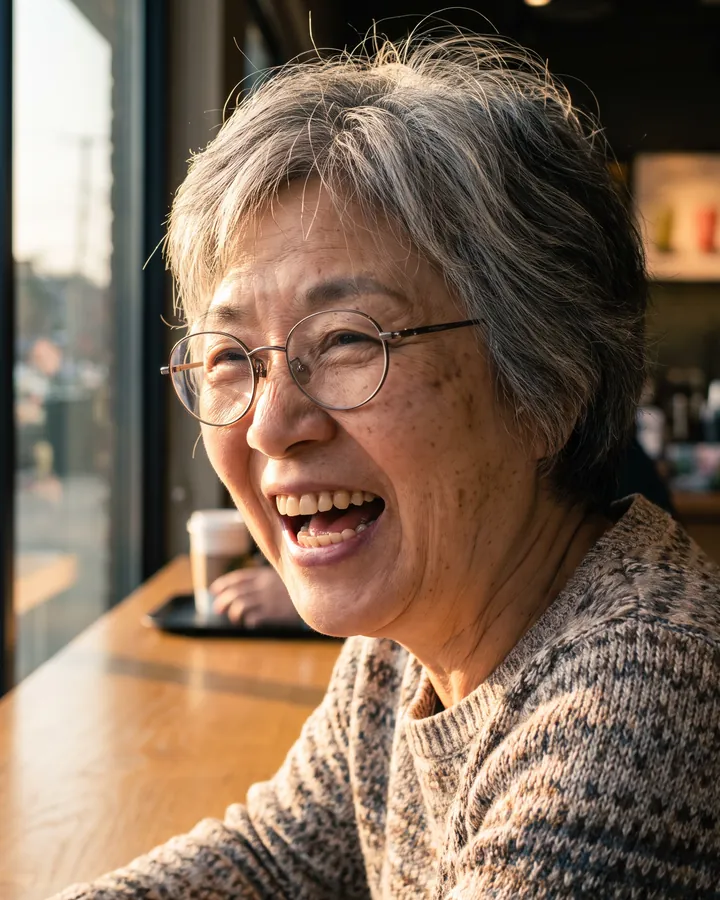
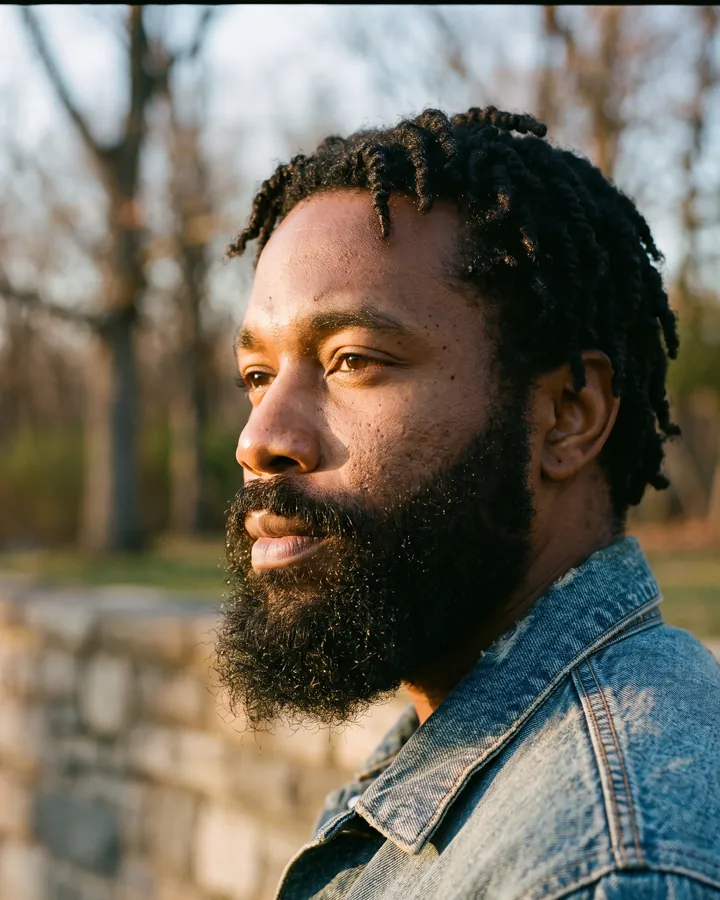
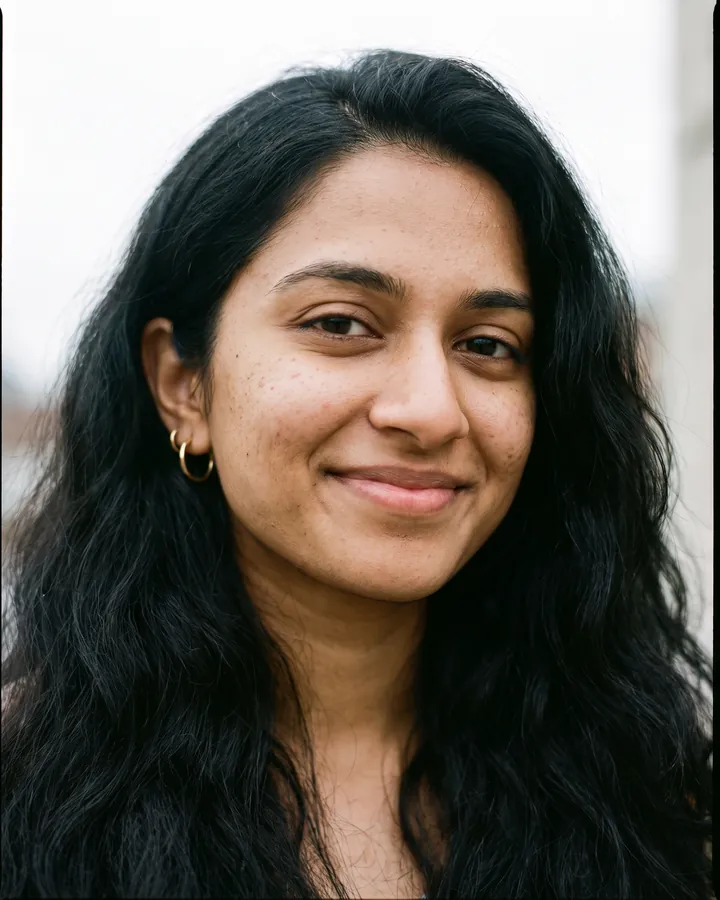
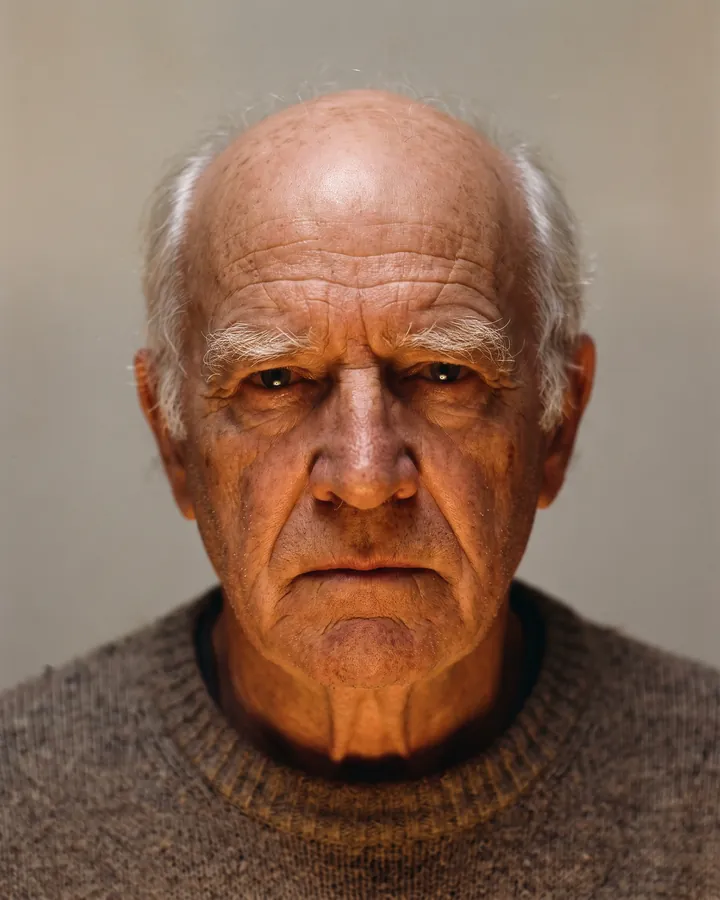
We redraw it neutral, then build in 3D.
Image-to-3D models copy whatever they see: a smile becomes the shape of the mouth, a shadow becomes a dent. So before any 3D work, we generate a neutral reference of the person: facing the camera, mouth closed, eyes open, glasses off, hair combed back, flat even light. Two three-quarter views follow.
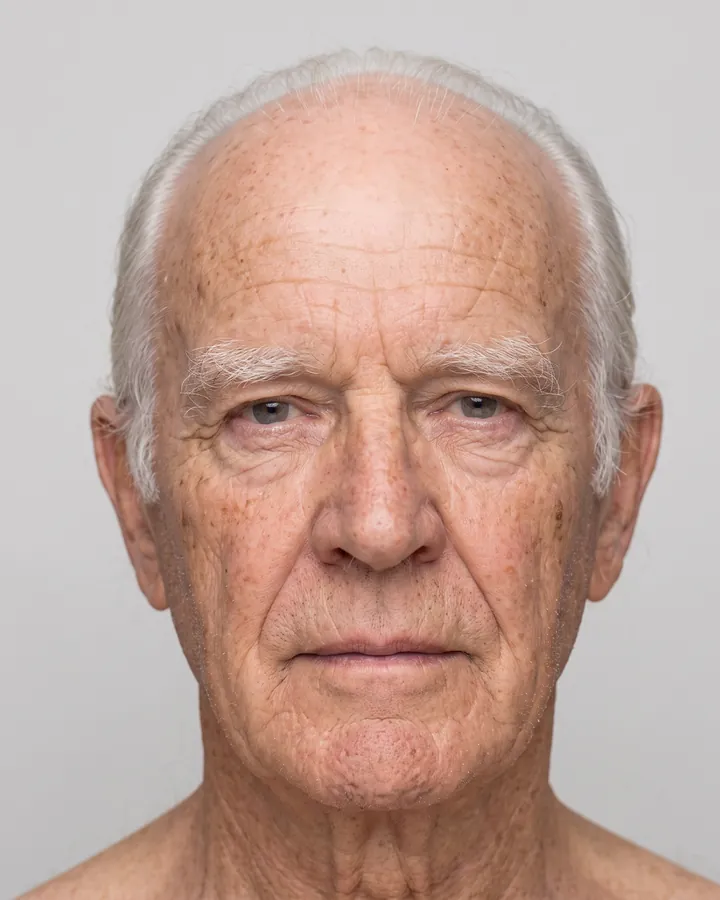
That is why expression, glasses and lighting matter less than you might expect. What matters is that the photo carries the person's identity: the shape of the face, nose, eyes and brows, the skin with its freckles, moles and lines.
Every generated view is checked against your photos with face recognition. If it drifts too far from the person it is drawn again. A sharp photo gives that check, and the skin texture, much more to work with.
Up to 15 photos, one person.
Extra photos are used to keep the identity right: a profile shows the nose and chin, a three-quarter view shows the cheekbones. They are sorted by angle, and photos that turn out to show someone else are dropped.
- Mix angles: front, both three-quarters, a profile if you have one.
- Prefer relaxed expressions; neutral photos are ranked first.
- Recent photos only. Ten years and a beard ago is a different face.
Show us the hair, and the face under it.
The head itself is bald: hair, brows and beards come back as MetaHuman grooms that we recommend from your photos. Two things help both sides:
- For the grooms: include the full hairstyle in at least one photo, in daylight or neutral indoor light. Colours are read straight from the pixels, so strongly coloured light shifts them.
- For the face: a photo where the forehead, hairline or jaw is visible lets us place them from the person and not from the template. A full beard is fine; we reduce it to stubble on the skin and recommend a beard groom.
The checks your photos go through.
| Check | Rejected when |
|---|---|
| No face | No face is found |
| Too small | The face is smaller than about 160 pixels, or the image is under 300 pixels on its short side |
| Several faces | Another face is about as prominent as the main one |
| Blurry | The face area is not sharp enough |
| Cut off | Part of the face is outside the image |
| Colour | Black and white, sepia, washed out or heavily graded |
| Covered | Sunglasses, hands or a mask cover the face |
| Someone else | The photo shows a different person from the rest of the upload |
Photos that fail a check are left out of the run. If no usable photo remains, the head fails and is refunded.
Only faces that said yes.
Upload photos of yourself, or of adults who have agreed to have a 3D head made of them. No photos of children, and no photos of people taken from the internet. The acceptable use policy has the details.
Got a good photo?
Your first heads are free.